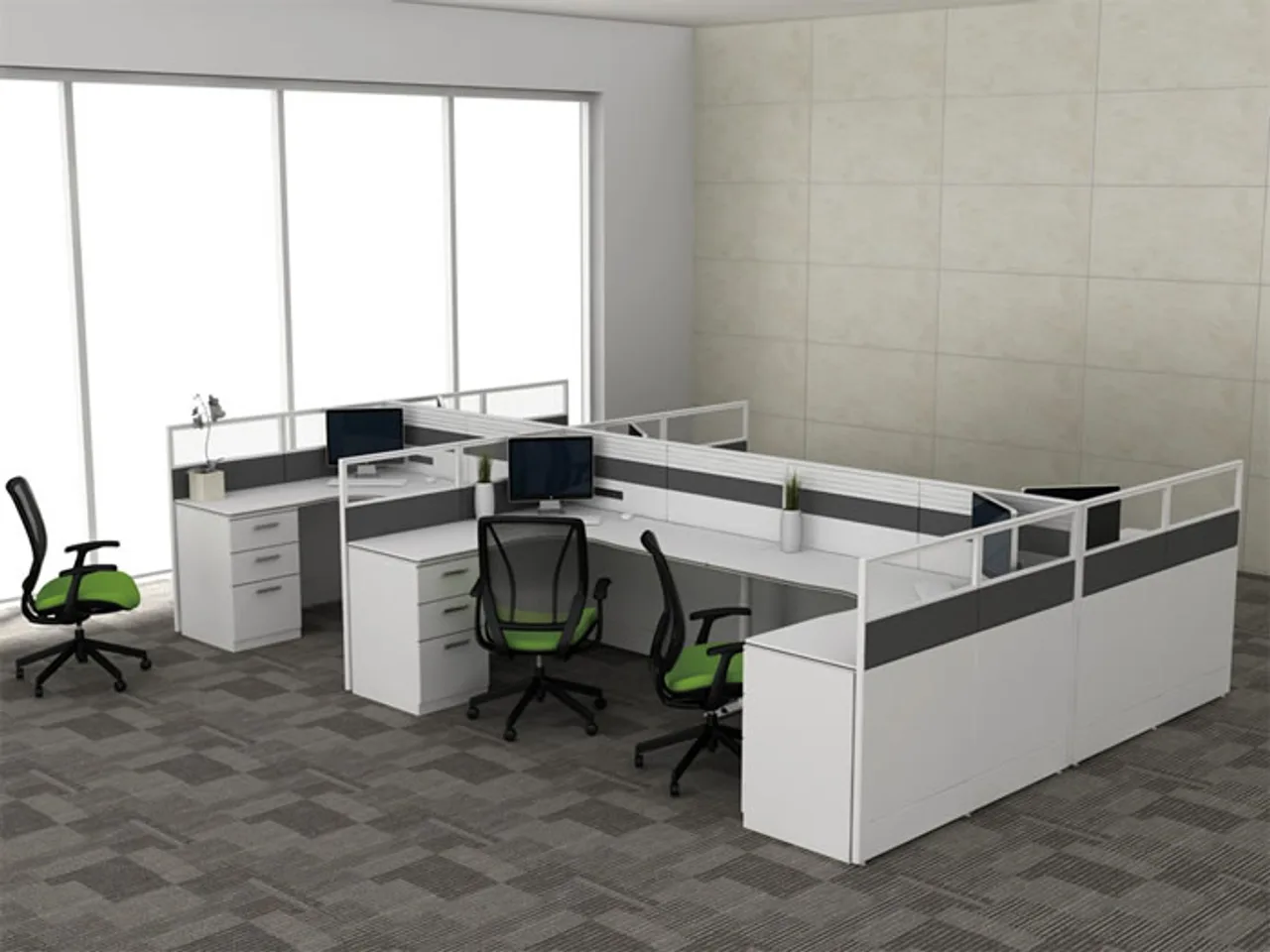
On most workstation projects the finish gets chosen in week one and the power gets chosen in the last week, by whoever is left in the room. That ordering is exactly backwards. The power and data spec decides the beam the bench system is built around, the holes cut in every worktop, and whether the floor works on day one — the laminate colour decides none of that. So before we price frames, we push the electrification questions to the front. Here is what they are.
Pick the access type per zone, not per catalogue page
Four ways to get power to a worktop, with honest uses for each. A flip-up module sits flush in the top and opens to sockets and USB — the cleanest look, the right answer for shared and client-facing positions, and the most expensive cutout. A grommet-mounted unit fills the standard cable port — cheaper, perfectly serviceable for assigned desks. A clamp-on module needs no cutout at all, which makes it the retrofit tool and the choice for desks that get re-planned often. And an under-desk unit on the cable tray powers the monitor and dock out of sight, with nothing on the surface. Most floors should mix them: flip-ups where people hot-desk and plug in daily, under-desk units where a docked setup stays put. Speccing one type everywhere either gilds the back office or starves the touchdown bench.
The socket face must match the destination — say it early
An exported desk carries the importing country's socket system: BS 1363 faces for the UK and most Gulf states, Schuko for much of continental Europe, NEMA for North America — different faces, different module bodies, different certification regimes. This is the one line on the spec that cannot be fixed on site with an adapter, because a desk module with the wrong face is a non-compliant installation, not an inconvenience. We build modules to the relevant national standards for the destination market, and third-party testing can be arranged per order. Name the country in the first email and the rest of the electrical spec falls into place behind it.
USB charging: count the watts, not the ports
Every module catalogue now shows USB-A and USB-C ports, and the port count is the least useful number on the page. The question is wattage. A 10 W USB-A port tops up a phone; charging a laptop through USB-C needs Power Delivery at 45 to 65 W, and a module that shares one small budget across four ports will charge nothing properly when two people plug in. For a floor where laptops are the machine, spec one genuine 65 W USB-C per position and treat extra A-ports as a courtesy. It costs more per module and removes a steady stream of "the desk doesn't charge my laptop" tickets that otherwise land on facilities for years.
Soft wiring, daisy chains and where our scope ends
Modern benches are soft-wired: modular leads click from a starter cable through distribution blocks along the beam, so desks move without an electrician rewiring each one. Two rules keep it honest. First, daisy chains have limits — the system's rated load divides across however many positions share a feed, so agree positions-per-feed with the electrical consultant rather than chaining until something trips. Second, the boundary of scope: we supply and fit the modules, the soft-wiring looms and the trays; the connection from the building's floor box to our starter lead belongs to a licensed local electrician. Projects go smoothest when that handshake point is drawn on the plan — literally marked — before anything ships.
Data: separate tray, simple choice
Keep mains and data on opposite sides of the spine tray, or in a divided tray — unshielded network cable run tight alongside power picks up noise, and the fix after handover is ugly. Then make one choice per project: pass-through ports at the desk patched by the IT contractor, or pre-terminated leads we fit in the module. Either works; deciding late is what fails, because it reopens every module cutout after the tops are drilled.
Spares and the five-year question
Modules fail and offices change, so the spec should look past handover. Order two or three percent spare modules and a box of soft-wiring leads with the main delivery — on a 400-position floor that is a dozen units, cheap while the production run is open and disproportionately expensive as a five-unit reorder two years later. Stay inside one module series for the whole project rather than mixing ranges, so every spare fits every desk and facilities holds one part number instead of four. And ask the supplier the blunt question: will this series, or a compatible successor, still be available in five years? Worktops live a decade; a module range that vanishes in three years turns a snapped flip-lid into a mismatched retrofit. We keep our module interfaces stable across the workstation range for exactly this reason — the cutout you drill today should still accept what we ship you in year six.
The trade-off: electrify everything vs power where it earns
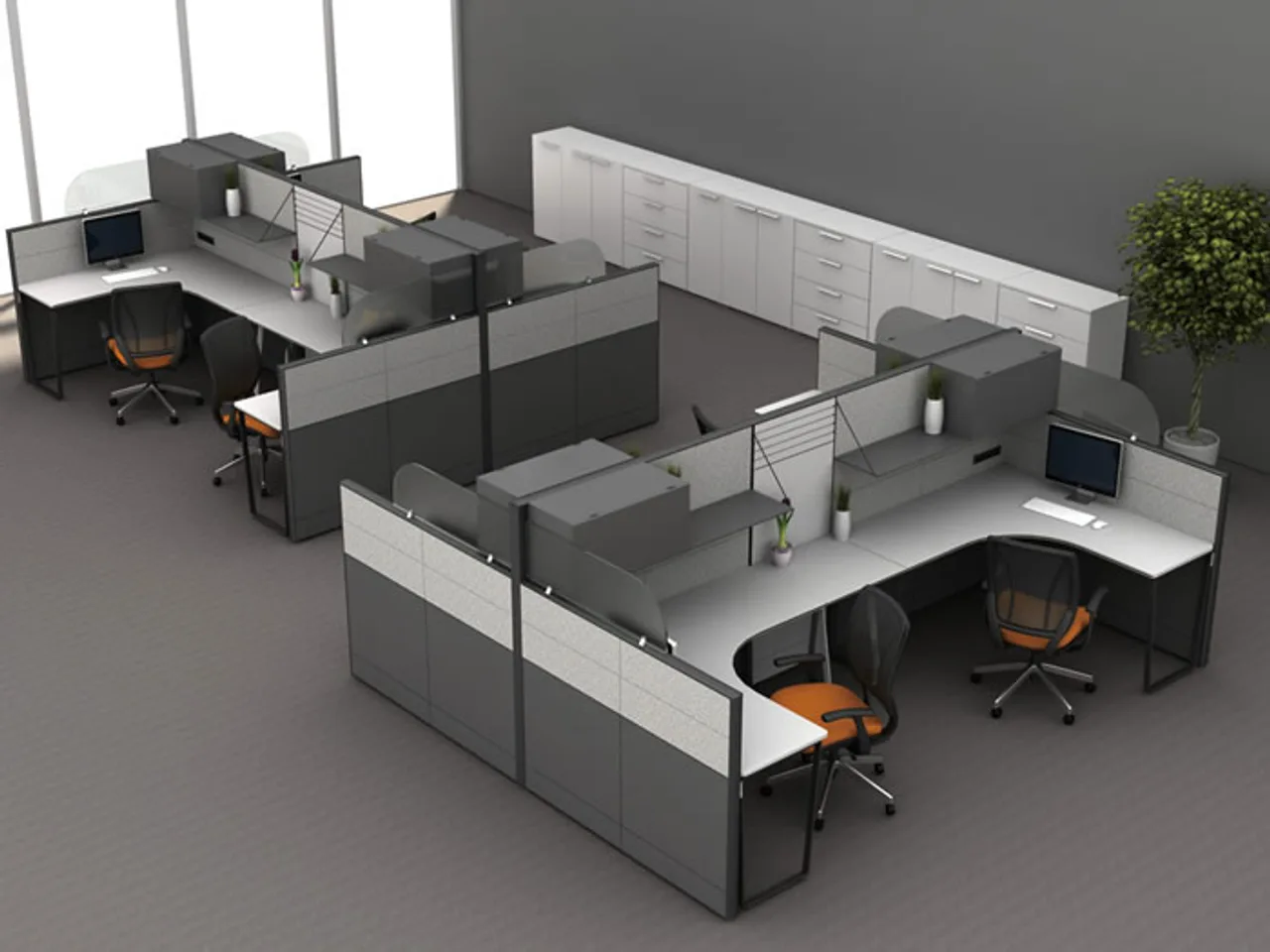
A fully loaded flip-up with PD charging at every one of 400 positions is a five-figure line that part of the floor will never use. Bare benches with a power strip zip-tied underneath are cheaper on the quote, and then the retrofit — new cutouts, new looms, desks down for a day — costs roughly three times the day-one price of doing it properly. The honest middle: full modules on shared and hot-desk zones, simpler under-desk power on assigned docked positions, and spare capacity in the tray so the next re-plan is a module swap, not a rewire. You can see the workstation range this applies to on our products page; the cable-spine side of the same story is in our note on bench-desk cable management.
What to send us
Destination country, positions per zone, what people plug in (docked monitors or roaming laptops), and your positions-per-feed limit if the consultant has set one. We will return a module schedule per zone with the wattage stated and the handshake point marked — through the contact form or [email protected].